Display notice

A wider browser view is required

This announcement requires a screen at least 1024 pixels wide. You can open it on a computer or widen your browser window; the content will appear automatically once the width is sufficient.

Your personal reading route

Reading Guide

1 · Role 2 · Goal 3 · Reading route

What does each section cover?

Each section answers a different question. Use this quick map to start with the level of detail you need.

Executive SummaryWhat changes for my business?
What's New · 01–09What can I do with the new capabilities?
Product DevelopmentWhat changed in the module I use?
RoadmapWhere is the platform headed?
Demos & TrainingWhich session should I attend?
UpgradeHow do I move to the new version?

Which perspective are you reading from?

Pick the option closest to your role. The guide will prioritize the sections most relevant to you.

Powered by PaperWorkAI

PaperWork 7.0

See your work from one place. Decide faster. Stay in control.

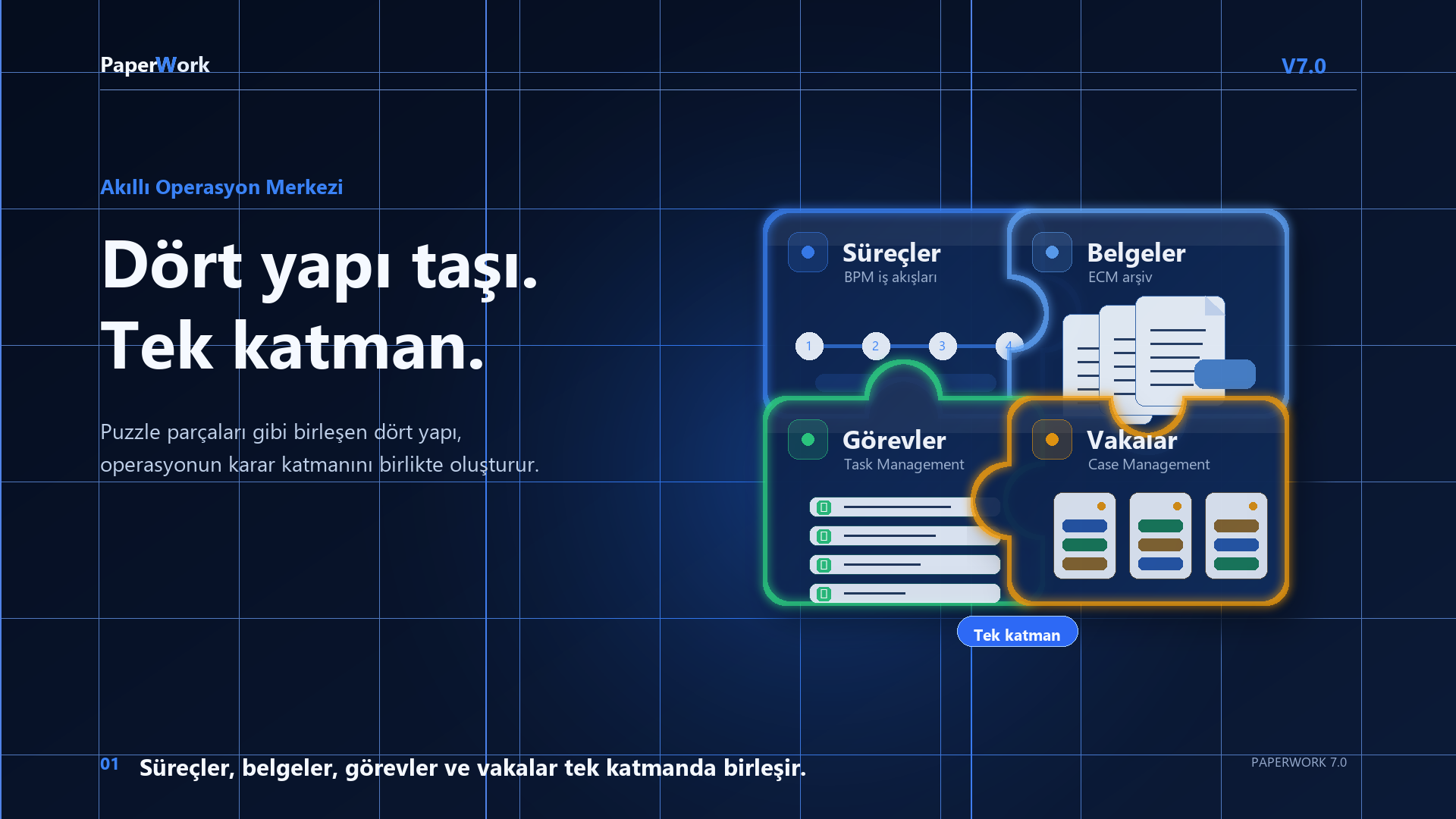
PaperWork 7.0 brings processes, documents, tasks and cases together in an AI-powered Smart Operations Center.

  • Track delays, workload and the points that need your attention.
  • Reach corporate knowledge and weigh AI recommendations against their reasoning.
  • Move forward with human approval and a traceable record.
A frame from the PaperWork 7.0 Smart Operations Center walkthrough
40 sec

Smart Operations Center

200+

screen and infrastructure improvements

100+

Process Intelligence metrics

10+

analytics categories

4

Languages supported

Executive Summary

What does PaperWork 7.0 change for your organization?

Work tracking comes together. Standard processes, variable work and tasks are managed in one shared workspace.

Information becomes part of the decision. Document comparison, summarization and Q&A make information easier to review; process analytics surfaces delays and areas for improvement.

You can plan the transition around your organization. Identify your priority use cases and review the technical requirements and upgrade steps with your teams.

Redesigned Web Interface — One Click UI

All screens have moved to a modern, fast, mobile-friendly interface; search, filtering and personalization are standard on every list. These changes also brought the "Single-Screen Workspace" architecture to life: everything a decision needs — the form, documents, tasks, comments and the AI recommendation — comes together on one screen.

01

Case Management

Work with a clear goal but a variable path is managed around a single case file, with Kanban boards.

02

Advanced Task Management

Create, assign and track tasks — standalone, or linked to a workflow, a case or a document.

03

Process Intelligence

An analytics architecture that tracks process health, bottlenecks and risk from one screen, with AI-generated executive summaries. Around 100 metrics are measured continuously; every output can be interpreted with PaperWorkAI and also feeds end-user screens.

04

Dynamic Dashboard

A shareable dashboard framework for adding your own charts and gauge cards to the My Work, Documents and Data Management screens.

05

Document Intelligence

PaperWorkAI doesn't just read the document; it finds the differences between documents, answers your questions with sources, and turns it into action with summaries tailored to your needs.

CompareSee the formatting and meaning-level differences between two documents together.
AskAsk your document a question and jump straight to the source of the answer.
SummarizeGenerate summaries and task suggestions from 22 different perspectives.
06

Mobile Application

The mobile app interfaces were rewritten on updated technology and opened up to all customers.

07

The fastest route to information

Query Insight

Make all your procedures and documents queryable with Query Insight, and integrate it with any application you like.

08

Intelivus ONE

Our intelligent document capture platform Intelivus is in production, successfully capturing data from thousands of documents every day. Further development produced a BPM-backed capture platform: with dedicated classification, data entry and correction steps, your documents work fully integrated with your processes.

09

Contract Management

Manage all your contracts against your organization's rules without leaving PaperWork, with AI assistance at every step — measure your risk and preserve your institutional memory.

01

Case Management for variable work

Case Management

Work that falls outside a standard flow

The goal is clear. The path takes shape as the case moves forward.

Manage work whose path takes shape as you go — a customer complaint, a contract negotiation, a supplier evaluation — in a single file. Case Management, added in V7.0, brings together the documents, tasks and stakeholders of this work around one subject.

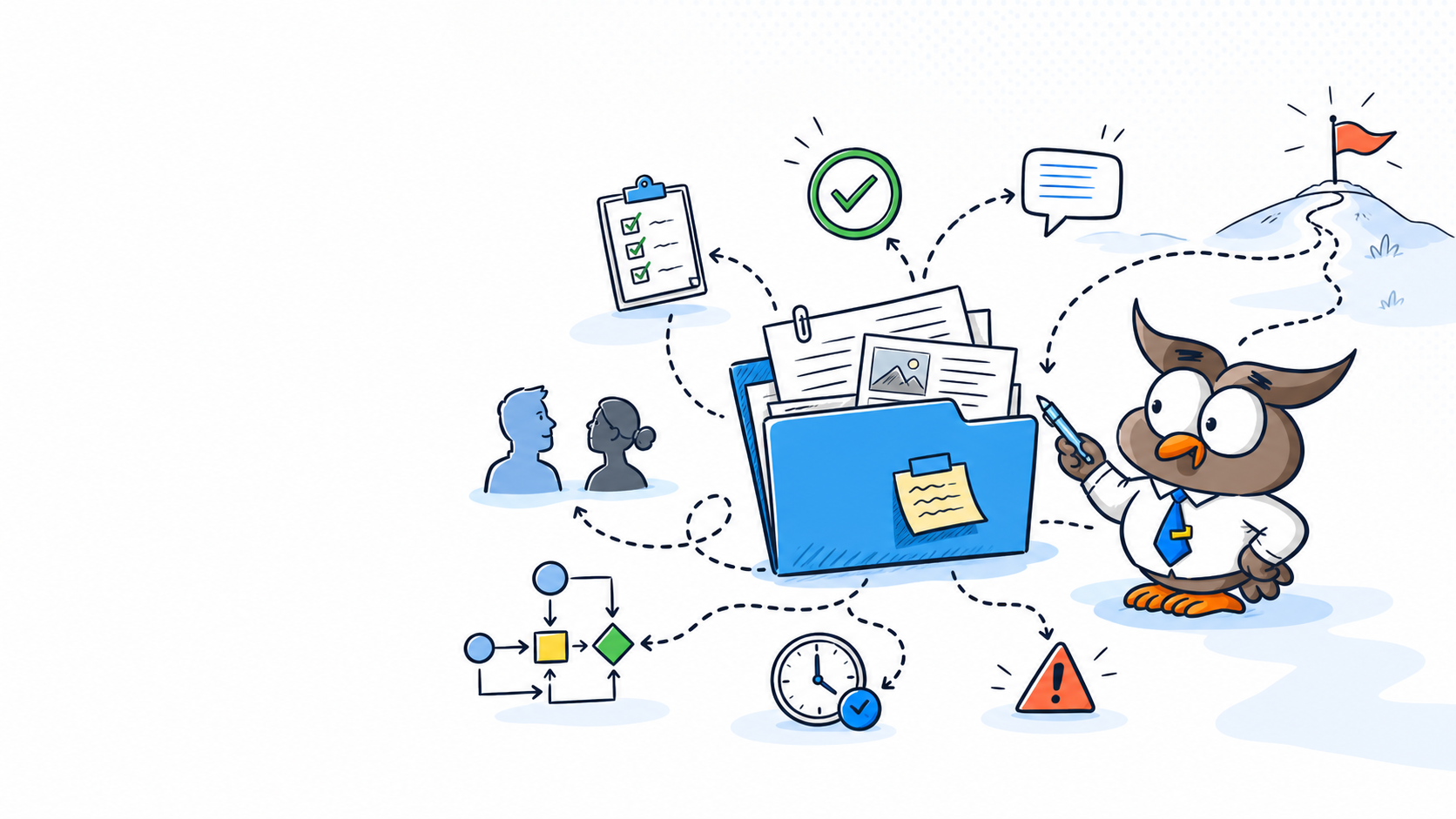
PaperWork Case Management bringing variable paths, documents, tasks, decisions and stakeholders together in a single case file

The difference between Workflow (BPM) and Case Management

Animation20 sec

Workflow or Case Management?

Rule of thumb: put the process in a workflow, the uncertainty in a case, and the action in a task.

Case file: Track documents, tasks, decisions, comments, related workflows, due dates and risk all in one file — so you can reach everything about the matter without searching across screens and threads.

Kanban boards: Cases are tracked as cards on boards. Drag a card to change its stage, and see your team's entire workload at a glance.

Launching a workflow from inside a case: Start standard processes — a technical review or an extra approval — directly from within a case. The result is recorded back into that case file.

Procurement example: Run the request and final approval as a standard workflow, and handle new supplier evaluation as a case.

02

End-to-end task management

Advanced Task Management

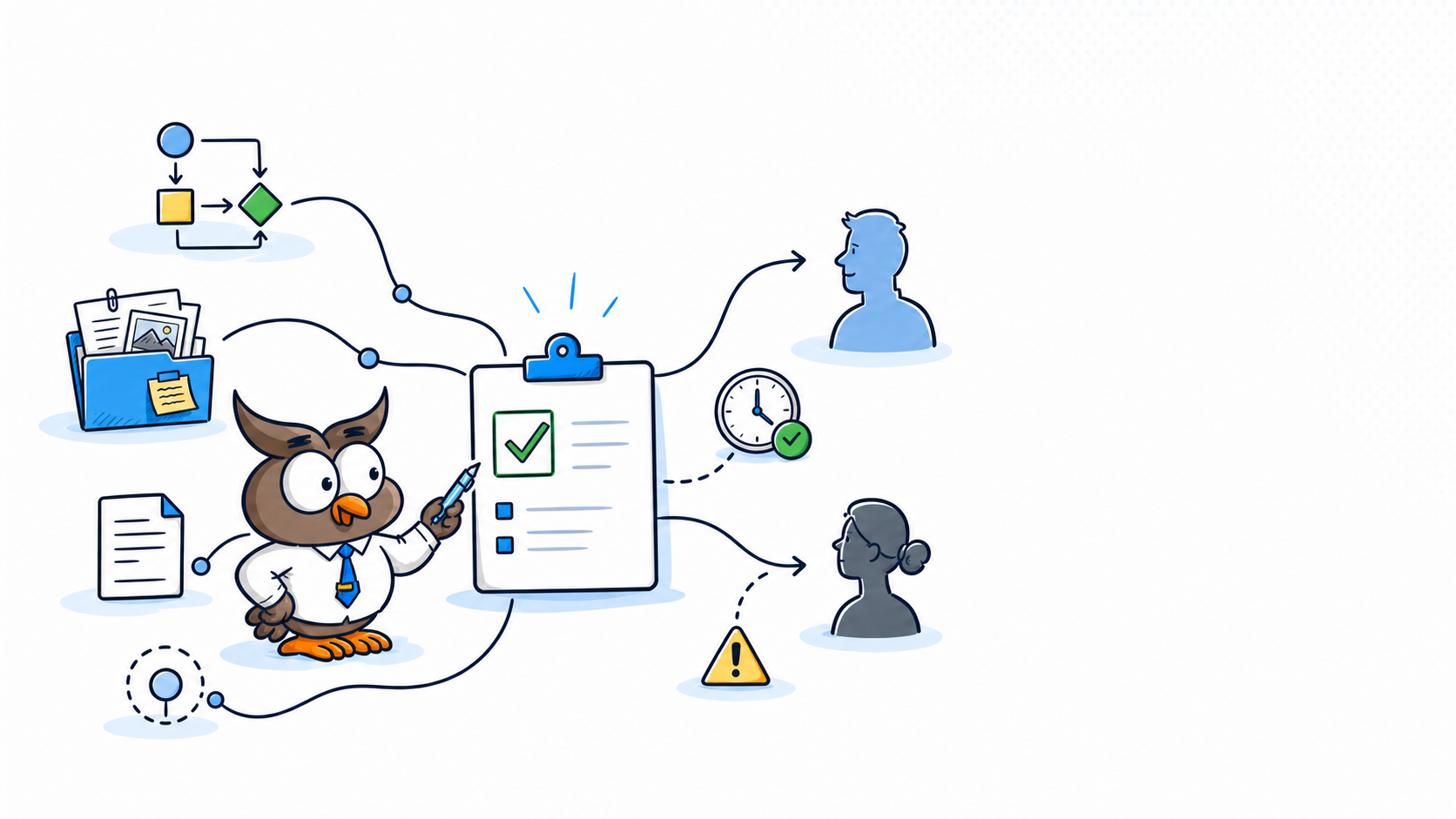
Farklı kaynaklardan gelen işleri sorumlu, öncelik ve termin bilgisiyle göreve dönüştüren PaperWork Görev Mimarisi

Smart task routing

The owner, priority and tracking of the work, all together.

See who owns the work, when it's due, and what it's linked to — all in one place. The new task framework, used platform-wide in V7.0, gathers the owner, due date and priority alongside related documents and comments in the same task.

How does a task move from its source to its owner?

How does an action turn into a trackable task?

Tasks are created five ways: standalone, linked to a workflow (BPM), linked to a case, linked to a document (in the archive), and system-generated tasks.

Assigning tasks to workflow steps: You don't need to model every detail as its own workflow step; details are managed as tasks inside the step, so process diagrams stay smaller and simpler.

A "Tasks I Assigned" view was added to the My Work screen, so you can track tasks you've assigned to others in a single list.

A "Tasks" tab was added to workflow details; sub-tasks needed to complete a step are created and tracked here.

Task support in the document viewer: assign work related to a document (e.g. "review the contract") directly as a task from within the document.

03

Analytics that learns from your workflows

Process Intelligence

Analytics that learns from your workflows

Measure the real flow, and find the problem from historical data.

Examine where work piles up in a process, which steps repeat, and which paths get taken, from historical event records. Process Intelligence, added to the Operations menu in V7.0, surfaces deviations and bottlenecks based on data.

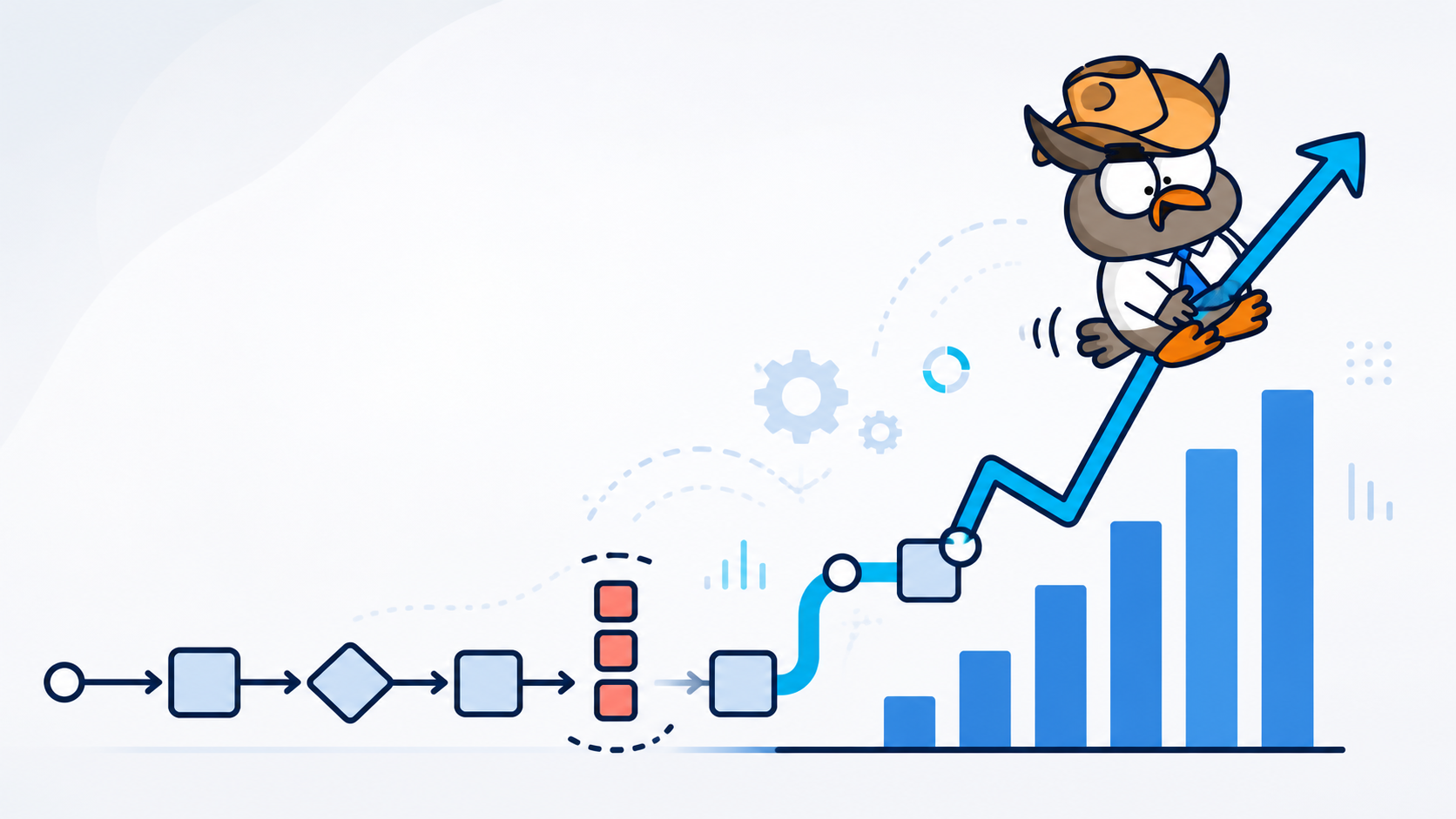
Process Intelligence, from bottleneck to measurable improvement

About 100 metrics are measured continuously under 10 main categories. The trailing-90-day view updates automatically at regular intervals during the day and at day's end. {{ evLabel.sa01 }}

Process simulation: The real event records of the selected process over the last 90 days are modeled. The most common route is reviewed together with deviations, backlogs, rework and unused branches. {{ evLabel.sa02 }}

Analytics report: Get a report of every measurement in MS Word format. {{ evLabel.sa03 }}

Process analysis from historical data

Discover how a process really runs, straight from the data.

Assessed with PaperWorkAI: Every metric is interpreted alongside the data behind it; deviations, risks and improvement areas are prioritized. Improvement recommendations and tasks are generated for problem areas.

Risk metrics in end-user screens

Risk metrics are also used in end-user screens, so users can see which of their workflows to prioritize.

A user's own workflow risks A manager's team risk view Workflow Management — Risk tab
04

Business Intelligence

Dynamic Dashboard

Daily workload becomes visible, and priorities become clear.

Pending work, documents and key indicators come together on the same screen, so users start the day knowing exactly what to focus on.

V7.0 adds a shared dashboard framework to PaperWork for designing your own dashboards with no code. You can set it up for the My Work, Documents, Data Management and mobile screens, or as the landing screen.

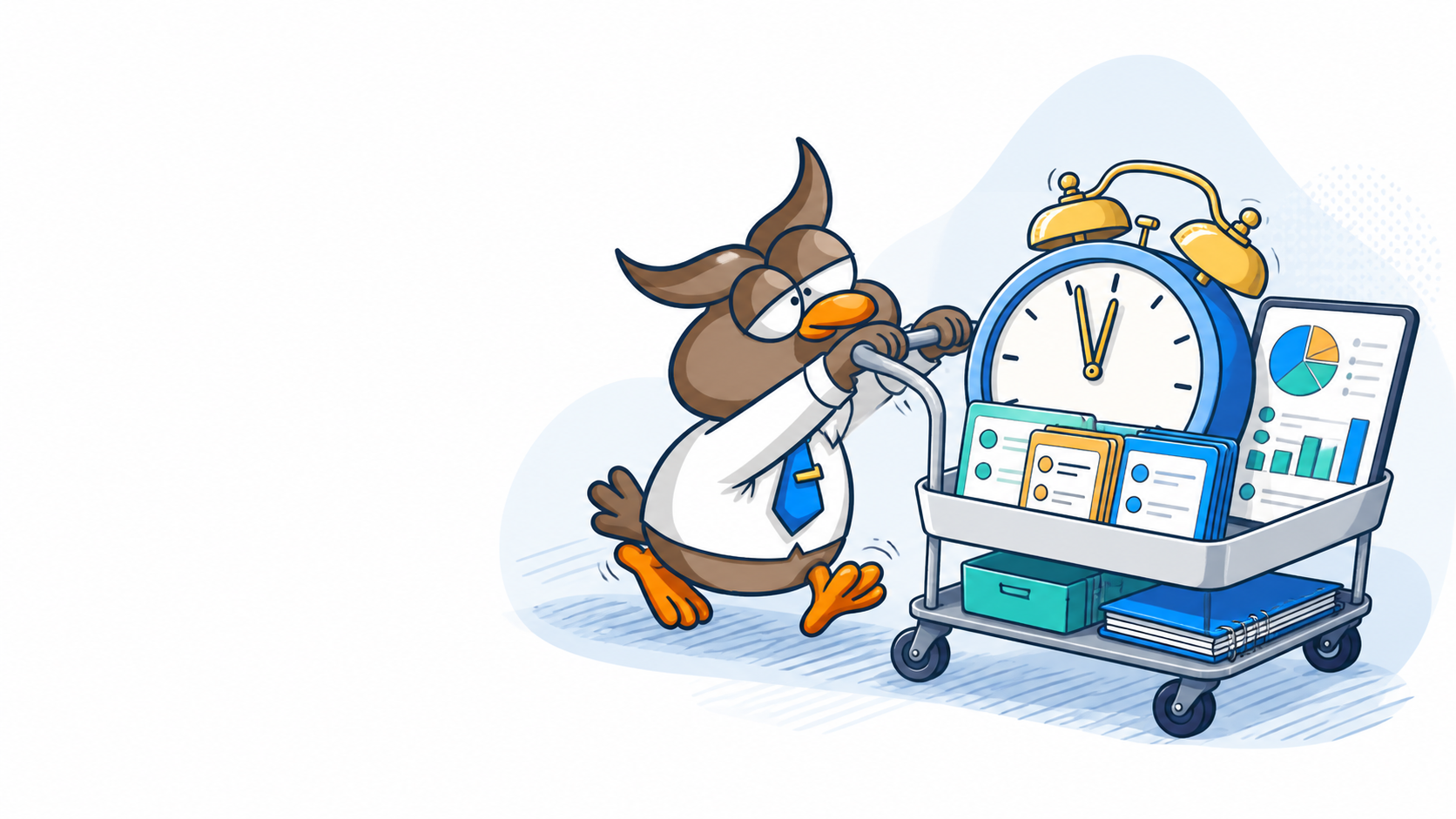
Illustration of PaperWork managing daily workload, time and indicators together
Animasyon30 sec

Design a live dashboard with no code.

Alongside user-defined data sources, about 70 ready-made data sources are available.

You can build different designs for different screens.

Permissions control which users can see the dashboard.

A sharing shortcut lets the dashboard be cast to any monitor, refreshing itself on a schedule.

Dashboards can be built with visual widgets across 8 categories.

{{ pdLabel }}

Home Dashboard

Start your day from a single screen.

The full-page dashboard shows your pending work, tasks assigned to you, and the indicators you track together in a 12-column layout; drag cards to build your own working layout. If you have more than one dashboard, switch between them from the top selector — the last one you used is ready the next time you open it.

  • Use "Set as Home Page" to make your dashboard the screen that opens every time you log into PaperWork.
  • Track your assigned work in the dashboard along with priority, status and due date.
  • Every card can be refreshed individually and opened full-screen; the dashboard also refreshes itself on the interval you set.
  • On phones and tablets the same dashboard automatically switches to a single column, and it works with both light and dark themes.

My Work Dashboard

The top of the My Work screen offers a personal dashboard showing your pending work, item counts and scheduling status. You can customize it however you like, or turn it off.

Documents & Data Management Dashboards

The same dashboard framework is also available on the Documents and Data Management screens, showing your archive statistics and data-entry summaries at the top of the screen.

Design Screen

(Definitions > Business Intelligence): Design your own dashboard by drag-and-drop, with 8 card types — Chart, Gauge, Progress, Work Items (assigned work), Embedded Web Page, Query Results, HTML and Markdown.

Additional Dashboard Features

Progress cards show distance to target with color bands; period-over-period comparison charts and query-result tables sit side by side on the same dashboard.

Sharing & Permissions

Share the dashboard with a one-click link, and grant view and design permissions separately.

The whole dashboard exports as PDF; individual cards export as PNG or Excel. Version history is kept for changes to the dashboard, so you can revert to an earlier layout. It's all built with no code, from the design screen under Definitions > Business Intelligence.

Screenshots
{{ shot.num }}{{ shot.title }}{{ shot.icon }}

{{ shot.num }}{{ shot.title }}image coming soon

Design screen {{ evLabel.dd01 }}

Sample dashboard in the My Work screen {{ evLabel.dd02 }}

05

PaperWorkAI

Document Intelligence

It reads the document, shows the source, and leaves the decision to you.

Review document differences, get sourced answers, and generate summaries tailored to your needs.

Comparison

Comparison at the level of meaning, not just word for word.

PaperWorkAI compares two MS Word documents on one screen — from formatting and paragraph numbers to tables and semantic differences.

You can compare:

  • •Versions of the same document.
  • •Two documents in the same folder.
  • •A document against another document on a board.

Review text additions and deletions, font and color changes, paragraph numbers, and added or removed tables, columns and rows.

Review differences side by side or inline.

Watch video

Assistant

Ask your document a question and get the answer along with its source.

Instead of searching the whole document, reach the information you need by asking questions.

The Document Assistant automatically prepares the document for Q&A; the section behind each answer is highlighted in the document viewer.

  • •The document is prepared for querying the first time it's opened. It won't be reprocessed for 60 days, and opens instantly after that.
  • •Use the 5 suggested questions that come with the document, or ask your own.
  • •Every answer is saved. At any time, you can also review questions other users have asked and see where they're located in the document.

Watch video

Summary

Assess a document's impact on your decision and your work in minutes.

Focus on exactly the detail you need with executive, legal, compliance, risk and action-oriented summaries.

Generate summaries of your documents from 22 different purposes and perspectives. Summary types are grouped in the document menu as follows:

General Summary3 summaries›
Short
Detailed
By Section
Technical Project Summary1 summary›
Technical Document
Executive & Business Unit Summary7 summaries›
CEO
CTO
CFO
COO
Human Resources
Sales
Marketing
Legal, Compliance & Audit Summary5 summaries›
Legal
KVKK/GDPR
Denetim
Regulation/Legislation
Contract
Risk, Decision & Action Summary6 summaries›
Risk & Alert Summary
Action Summary
Decision Summary
Dates & Deadlines Summary
Tell me what I need to do
Task Assignment Summary
  • •The document is indexed and processed with PaperWorkAI when generating a summary.
  • •Previously generated summaries are marked with a dot in the menu. You can reopen them any time.
  • •Tasks are automatically extracted from a summary when applicable. You can assign a task directly based on where the document lives — for example, an Archive task for a document in a cabinet.

Watch video

06

Mobile

Mobile Application

Mobile access

Your work, everywhere.

Approvals, documents, data entry, notifications and personal settings — on your mobile device, with no app-store dependency.

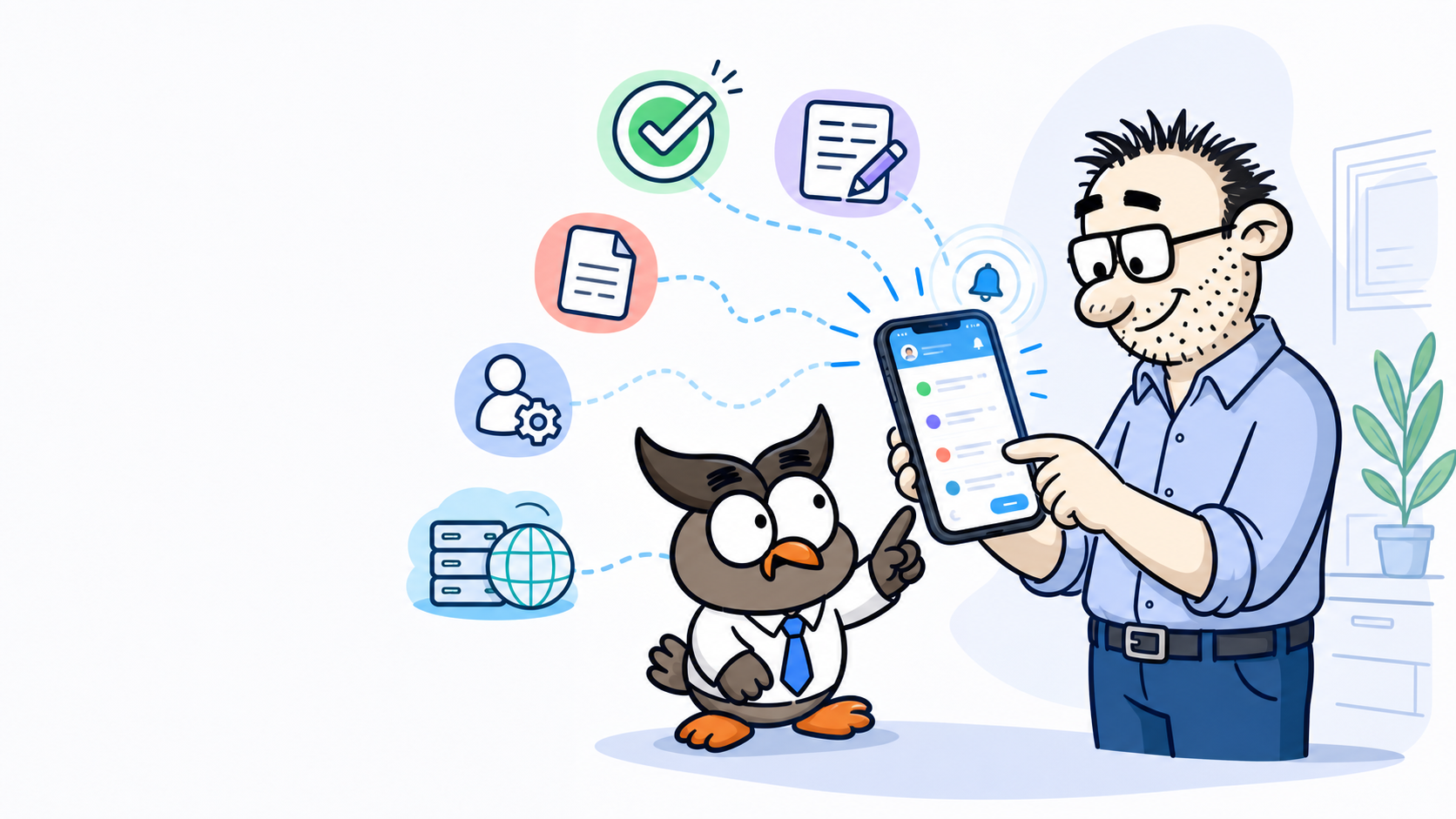
Illustration of a user accessing PaperWork work from a mobile device

Setup

Install the mobile interface directly from your own server — no Google Play or App Store access is needed.

Install addresshttps://<sunucu adı>/Mobile.html

Watch video

Personal settings

Internal users can manage personal settings — password changes, delegation and notification scheduling — from the mobile interface.

Watch video

Free to use

The mobile interfaces are available to all our customers at no charge.

Watch video

Notifications

After setup, work, task and process notifications reach your mobile device instantly.

Data Management

Access form-based screens from a mobile device and enter data.

Watch video

Supported versions

iOS

Supported devices
iPhone 11 and later (iOS 16.4+)
Supported browsers
Safari (bundled with iOS 16.4+)
Not supported
Other iOS browsers, and proxy or mini browsers (UC, Opera Mini), are not supported.

Android

Supported devices
Android 10+ devices with Google Play Services support
Supported browsers
Chrome 87+ or a current Chromium-based browser
Not supported
Devices without Google Play Services support (such as Huawei HMS) are not supported.
07

Natural-language access to corporate knowledge

Query Insight

Reach corporate knowledge while seeing exactly where it comes from.

Type your question in natural language and review the answer — scoped to what you're authorized to see — alongside the document and page it comes from.

Query Insight query simulation

See natural-language access to corporate knowledge in action.

  • •Internal file shares and web sources are scanned, indexed and prepared for Q&A.
  • •Permission sets are enforced at query time; answers are generated only from documents the user is authorized to see. User/group sync with Active Directory is supported.
  • •Multilingual content matching (including Turkish) and source-document preview (PDF, Word, slides) happen inside the app.
  • •Content added, changed or removed is detected in the background and the index updates automatically; questions are processed through a queue, so none are lost under load.
  • •Users/groups, permission sets, source definitions, sync schedules and system status are all managed from one admin panel.
  • •Beyond its end-user interface, Query Insight offers a REST API, so the Q&A architecture can be integrated with any interface.

End-User Q&A Screen

Watch video

Define your folders and websites

Watch video

You can also ask questions about documents you select on the fly.

Watch video

100+ languages are supported.

Learn more
08

Intelligent document processing

Intelivus ONE

From document to data, from data to process.

With Intelivus ONE, verify the information extracted from documents and push it into PaperWork processes and your enterprise systems.

%99,3

Field-level accuracy measured across defined document types

15-20 sn

Observed machine processing time for a typical document

2 GB

Maximum supported document size

Intelivus ONE document processing animation

See the journey from document to verified data.

Cut down on manual data entry and free up your team's time for the fields that actually need review.

Document Processing

Required fields are extracted from high-volume documents such as invoices, contracts, KYC, loan files, HR documents and insurance files; document type and context carry through to the process decision.

User Review

Intelivus extracts fields automatically; PaperWork routes low-confidence or critical fields to the right user as a task, and logs the correction and approval.

Process Integration

Verified output triggers a task, approval, exception or integration step in PaperWork processes, and can connect to ERP, DMS, email, scanners and existing enterprise applications.

Document Type Definition

Define a document type from a sample document with a plain-language description, then test it as you make changes.

Watch video

On-Premises Deployment

In an on-premises deployment, the AI model runs on the customer's own infrastructure; document content is never sent to a third-party AI service.

Audit & Measurement

User actions, status changes and page-level usage can be tracked, so operations can be reviewed retroactively.

Data Entry & Verification

Upload documents one by one or in bulk against a defined document type — or do this via REST API integration. Documents are classified and processed according to the definition, and routed to data-entry and data-verification steps where applicable.

In these steps, you can quickly check your document using the confidence score of each extracted field and the grounding coordinates showing its position on the page.

Watch video

Before and after

Step Before With Intelivus ONE
Receiving documents Manual scanning / filing Automatic intake via API
Classification Manual Automatic
Data entry Fully manual keying System extracts fields, user reviews
Review Manual comparison Review focused on low-confidence fields
Transfer Manual / intermediate file Structured data transferred via integration
  • 100+ languages are supported.
Learn more
09

Contract lifecycle

Contract Management

The entire contract lifecycle, bound to your organization's rules, on a single platform.

Six building blocks, from rule definitions to templates, from negotiation to signature and central tracking — all working together with PaperWorkAI and the risk architecture.

Contract Management animation

See the contract lifecycle in action.

Compliance Playbook

Define your organization's rules from one central place and have contracts checked against them. The Compliance Playbook is a corporate rule book that evaluates rules written in plain language with AI support.

As part of the PaperWork architecture, playbook clauses can be pulled automatically from a central structure, or created with PaperWorkAI support or manually.

For example

If your organization's standard payment term is 60 days, both internal and external users are flagged on any contract that states otherwise. Video 1

For example

Alerts and violation actions can be defined for open NCR records in supplier management. Video 2

Internal Editor

Draft, edit and risk-assess contract text right inside PaperWork. Generate new text with PaperWorkAI, and check for spelling and phrasing issues.

Calculate risk against the Compliance Playbook and wording, and fill and preview templates using defined fields. Watch video

Contract Blocks

An organization can standardize clauses that appear across all its contracts into a shared library. These blocks can be risk-checked in bulk, and their version history can be reviewed. Watch video

Templates

Contract templates can be built from these blocks. Everything can be defined in the template — whether a block can be changed during negotiation, whether it's shown based on data, and so on. Preview the template with sample data, and run it through its own risk check. Watch video

Negotiation

Review changes, responses and compliance risk with the counterparty on a single screen. The contract process runs through Case Management, and you can reach the Negotiation screen from the contract inside the case. Watch video

  • •Change tracking: Track every version, change and discussion.
  • •AI-assisted responses: Draft replies to the counterparty's changes that take the Compliance Playbook and risk assessment into account.
  • •Compliance check: If your user's change violates the playbook, the breached clause is flagged immediately.

Review the contract's risk score and risk drivers right in the negotiation screen. Watch video

Compare every change to the contract side by side or inline. Watch video

The counterparty can work on the contract from their own portal. If a change violates the playbook, they're warned with the message your organization defines.

On-screen markers: Blue means the latest change was made by you; the other color means it was made by the counterparty's user. A compliance violation by your user is flagged in a red warning box.

Central Tracking & Reporting

  • •Track every contract centrally. Watch video
  • •Track all of a counterparty firm's contracts. Watch video
  • •Run reports across all the data. Process risk is measured with the Process Intelligence architecture, and contract risk is measured with the help of the Compliance Playbook. The resulting risk feeds the PWGRC architecture. Watch video
Learn more

Platform-wide improvements

Product Development

V7.0 improvements focus on three outcomes: less screen-switching, more automation, and more manageable operations. The detailed list of improvements is presented below by module.

An experience powered by PaperWorkAI

Analysis, content generation and decision support work together with PaperWorkAI capabilities in the new screens.

Single-screen workflow

Screens were simplified; users see documents, tasks, forms and decision data in the same work context.

A shared foundation for vertical solutions

Quality, contract, supplier, customer and service management all share the same platform capabilities.

{{ mod.intro }}

You can access the PaperWork REST API documentation here.

{{ it.heading }}

{{ it.subHeading }}

•{{ it.head }}

{{ it.text }}

{{ it.text2 }}

{{ it.text }}

•{{ it.text }}

{{ it.text2 }}

{{ version.label }}

{{ version.code }}
  • {{ sub }}

{{ it.vidNote }}

{{ it.code }}

Watch video

{{ it.evLabel }}

{{ it.vid2Label }}

{{ it.evLabel2 }}

Taslak

{{ mod.note }}

What's next

Roadmap

Product Demos & Training Calendar

September 14 – October 2, 2026 · Microsoft Teams · Online

Join the product demo and training sessions that fit your needs.

Click a session to see its content. Use the Join button on the same screen to register.

Monday
Tuesday
Wednesday
Thursday
Friday
Sep 14
Sep 15
Sep 16
Sep 17
18 Eylül
16:00–17:00 What's New & Roadmap
Gürcan Yücel CTO
Join
16:00–17:00 Smart Contract Management
Tolga Eşiz Sales Director
Join
17:00–18:00 Process Management
E. Çelik Öğütmen Test Team Lead
Join
17:00–18:00 My Work Screen
E. Çelik Öğütmen Test Team Lead
Join
17:00–18:00 Documents
E. Tarık Doğan Sr. Test Specialist
Join
17:00–18:00 Data Management
E. Tarık Doğan Sr. Test Specialist
Join
17:00–18:00 Process Intelligence
Sefa Ulusoy System Architect
Join
Sep 21
Sep 22
Sep 23
Sep 24
25 Eylül
16:00–17:00 What's New & Roadmap
Gürcan Yücel CTO
Join
16:00–17:00 Smart Contract Management
Tolga Eşiz Sales Director
Join
17:00–18:00 Process Management
E. Çelik Öğütmen Test Team Lead
Join
17:00–18:00 My Work Screen
E. Çelik Öğütmen Test Team Lead
Join
17:00–18:00 Documents
E. Tarık Doğan Sr. Test Specialist
Join
17:00–18:00 Data Management
E. Tarık Doğan Sr. Test Specialist
Join
17:00–18:00 Process Intelligence
E. Çelik Öğütmen Test Team Lead
Join
Sep 28
Sep 29
Sep 30
Oct 1
2 Ekim
16:00–17:00 What's New & Roadmap
Gürcan Yücel CTO
Join
16:00–17:00 Smart Contract Management
Tolga Eşiz Sales Director
Join
16:00–17:00 ISDD: Document Masking
Taner Akdeniz System Architect
Join
16:00–17:00 Query Insight
Çağın Arslan System Architect
Join
16:00–17:00 Intelivus ONE
Çağın Arslan System Architect
Join
17:00–18:00 Process Management
E. Çelik Öğütmen Test Team Lead
Join
17:00–18:00 My Work Screen
E. Çelik Öğütmen Test Team Lead
Join
17:00–18:00 Documents
E. Tarık Doğan Sr. Test Specialist
Join
17:00–18:00 Data Management
E. Tarık Doğan Sr. Test Specialist
Join
17:00–18:00 Process Intelligence
E. Çelik Öğütmen Test Team Lead
Join
Process ManagementMy Work ScreenDocumentsData ManagementProcess IntelligenceWhat's New & RoadmapSmart Contract Management Query Insight IntelivusONE ISDD

Training registration

Registration info

Registration is not yet open.

Session details

The session content plan will be added soon.

PaperWork 7.0 — Ready to use

Upgrade

Move to the Smart Operations Center.

Bring processes, documents, tasks and cases together in one AI-powered shared workspace. See your work, decide faster, and stay in control.

What you need to upgrade

  • Your PaperWork platform must be on at least version 6.2.
  • Your system must be up and running.
  • Our customers can move to version 7.0 free of charge under maintenance.

Submit your upgrade request through the support portal. Our team will plan the transition steps with you, tailored to your setup.

Submit an upgrade request

Share feedback

Our product keeps growing and improving with your input. Share the features you'd like to see added to PaperWork or our vertical solutions, and any ideas for new vertical solutions.

Send an email